Home · Guides
Installation
Successful installation follows the model manual and checks the full route: station, mowing zones and return. Prepare the plan before choosing a location or starting mapping.
Plan before installing equipment
Measure the lawn and draw zones, connections, fixed obstacles and exclusion areas. Mark steps, edges, passages and access to suitable power. Keep measurements rather than simply describing the garden as easy. Small lawns may still require several adjustments when their areas connect poorly.
Gather exact references for mower, station and accessories. Open the manual for the region and generation. Check package contents before starting so missing cables, mounts or fixings do not interrupt installation. The same plan helps obtain an accurate installer quote.
Choose the station location around model requirements
Check ground type, levelness, clearances, power and communication at the station. An attractive but difficult-to-reach location can compromise docking. Do not obscure positioning features with an unchecked shelter.
For example, the S4 manual calls for 1.5 m clear in front of the station and passages wider than 80 cm in the working area. These are separate requirements, not rules for every mower. Mark your model’s values and inspect connections between lawns.
Wire or virtual map: follow the exact procedure
For wired installation, the manual determines routing, edge distances, obstacle treatment and placement. Do not bury wire at a generic depth found online. Garden changes may require changes to the installation; it is not necessarily permanent.
For virtual maps, check the learning process, boundaries and positioning. MOVA describes exclusion zones and corridors between areas or the station for LiDAX Ultra. Automatic mapping therefore does not remove the need to inspect the resulting map. Identify RTK equipment model by model rather than inferring its components from the technology name.
Check the first outing and return
Prepare the lawn as instructed, remove unsuitable objects and operate only in permitted conditions. Observe departure, travel between zones, boundaries and docking. Check every required area, not just a few metres around the station.
Record any error message and its location. Consult the relevant manual section or contact support with the reference and context. Do not randomly change exclusion areas or disable protection to force access. A successful installation preserves specified clearances and safeguards.
October: document the setup for restarting
Photograph the station location, retain the plan and note useful settings before a seasonal pause. Read the instructions before moving equipment for winter: effects on maps and boundaries vary. The calendar alone does not determine when mowing should stop.
Plan a restart check, particularly after changes to beds, passages or equipment. Estimate preparation, physical installation, configuration and checks separately. We do not promise a universal duration or automatic speed ranking between wire, RTK and LiDAR; the manual and garden determine the actual work.
Sources and manufacturer documentation
| Photo | Model | Navigation | Price | Amazon |
|---|---|---|---|---|
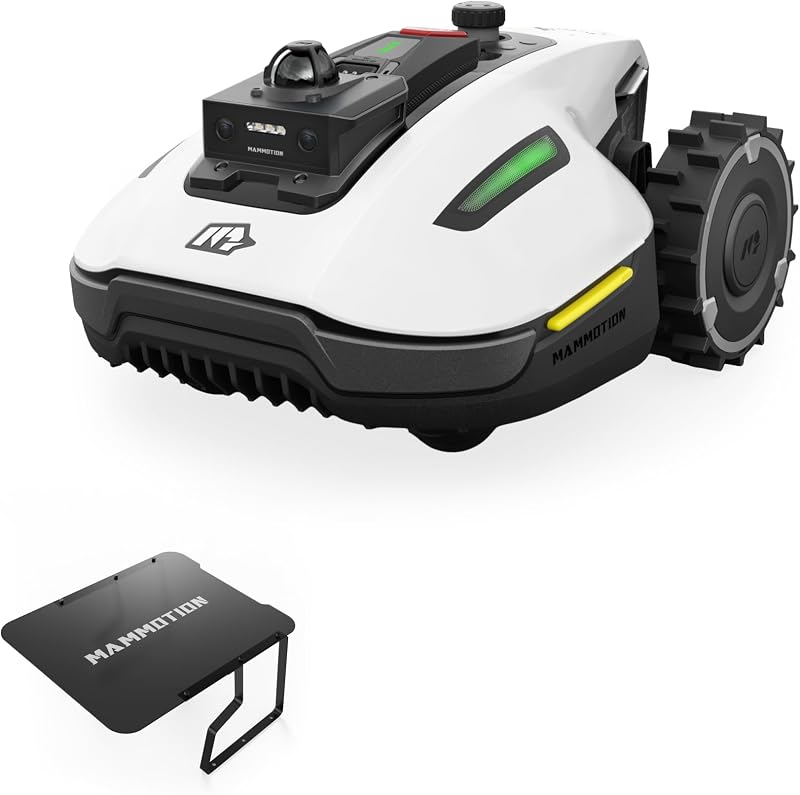 | MAMMOTION YUKA Mini 2 800 LiDAR | 360 LiDAR + Vision AI | 899 € | Search on Amazon.com |
 | MOVA LiDAX Ultra 800 | lidar + vision | 679,99 € | Search on Amazon.com |
 | MOVA ViAX 500 | LiDAR + vision | 549 € | Search on Amazon.com |
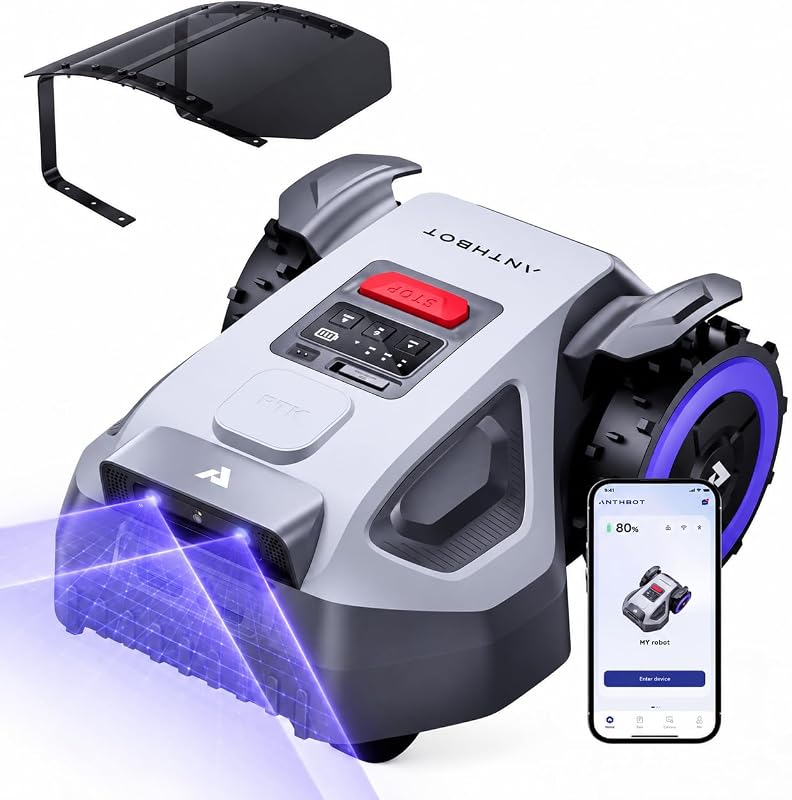 | ANTHBOT M5 | LiDAR + RTK + vision | 629 € | Search on Amazon.com |
 | SUNSEEKER V1 | vision + wireless | 379 € | Search on Amazon.com |
 | ECOVACS GOAT A1600 LiDAR Pro Care | LiDAR + vision + wireless | 949 € | Search on Amazon.com |
Open the interactive comparator
FAQ
How long should installation take?
It depends on the garden and model. Plan preparation, installation, configuration and checks separately.
Is automatic mapping enough?
No. Check boundaries, exclusion zones, connections and return to the station against the manual.
Amazon affiliate links. We may earn a commission at no extra cost to you. We do not invent specs.